
How to share documents in Proton Docs
- Reading
- 1 min
- Category
- Using Proton Drive
When using Proton Docs, you can share a document and invite collaborators in several ways.
Share a document from the Proton Drive web app
- Go to Proton Drive(new window) and sign in.
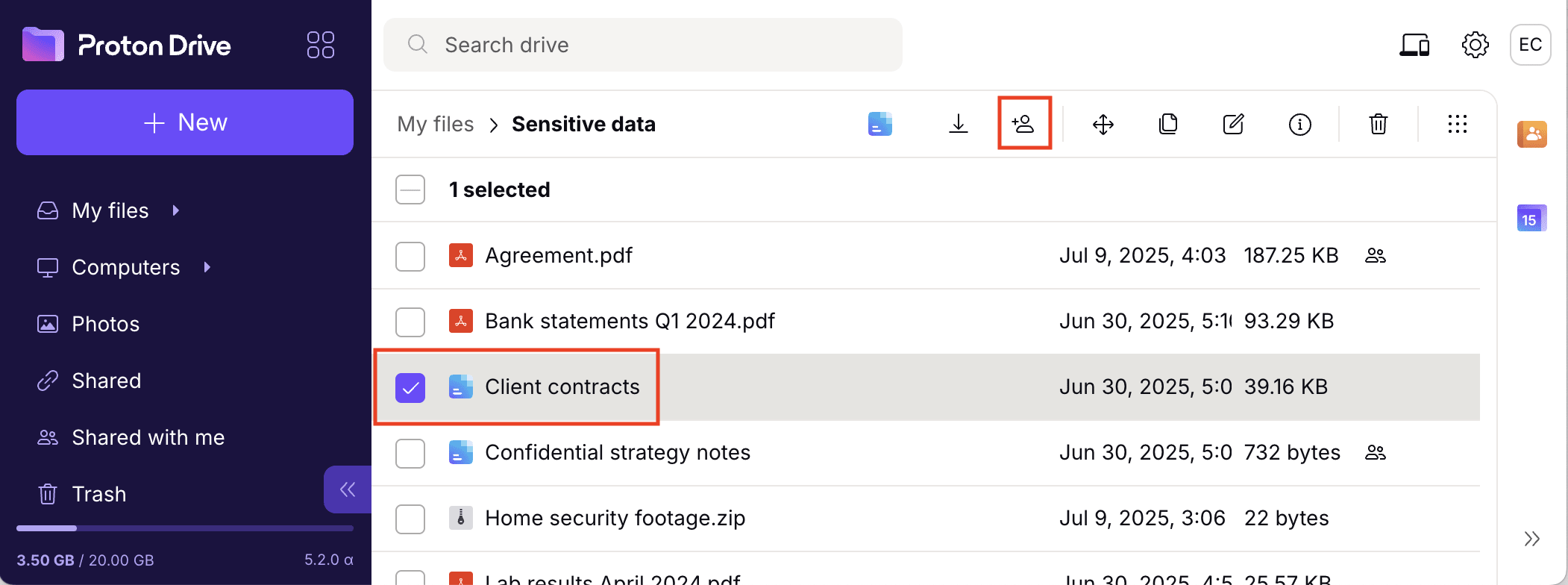
- Select a document created with Proton Docs and click Share.
Share a document from Proton Drive mobile apps
- Tap the vertical ellipsis ⋮ icon next to a document. Alternatively, open a document and tap the vertical ellipsis ⋮ icon on the upper-right corner.

- Select Share.

Share a document from Proton Docs
- Sign in to docs.proton.me(new window).
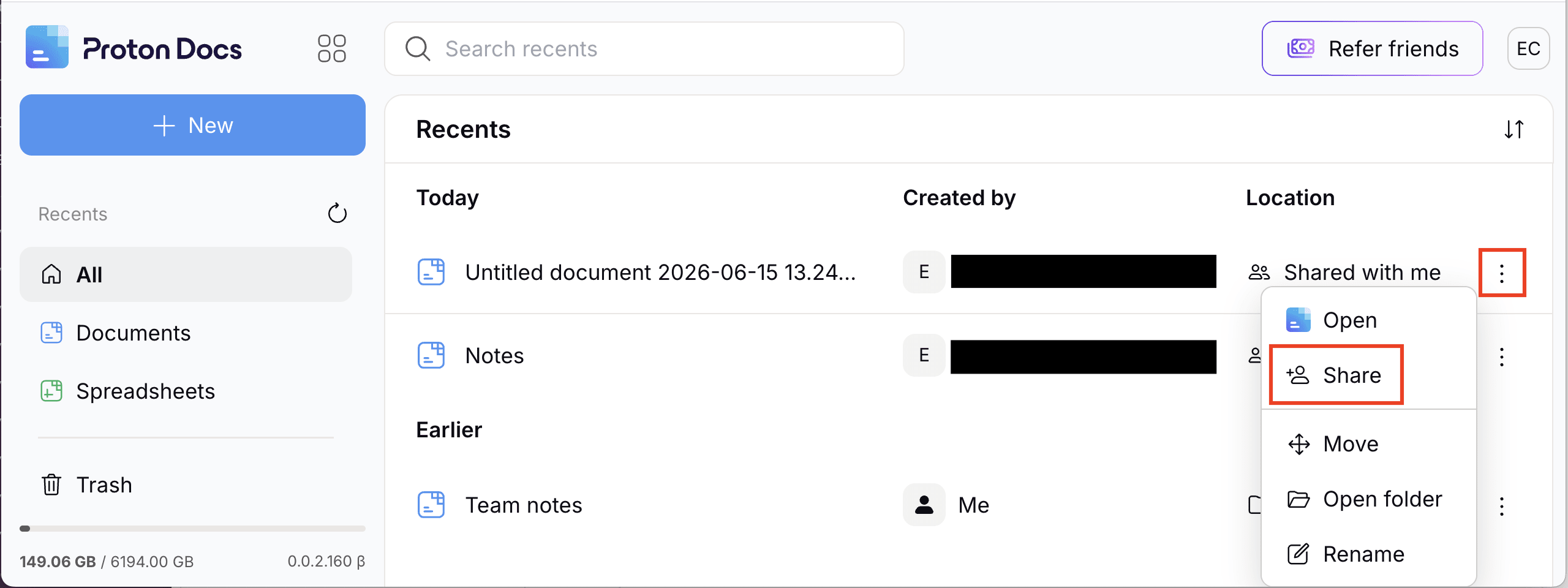
- Click the vertical ellipsis ⋮ icon or right-click a document and select Share.
Share a document from the document editor
- Click the Share button in the upper-right corner.
